8.2.8 Alan's Desktop PC
Having entered a safe part of the Encom network away from the corruption, Jet demands to know from Ma3a why she digitized him. Ma3a explains that her very existence was threatened, and decided that bringing a User inside the system would prove far more effective than any other means. She wanted to get the help of Alan One, but he wasn't available, so she brought in Jet. Ma3a doesn't completely understand that Jet is a different person than his father, thinking Jet is simply a "newer version" of Alan — which is why she keeps calling him Alan Two. Jet now asks if Ma3a knows what happened to his Father.
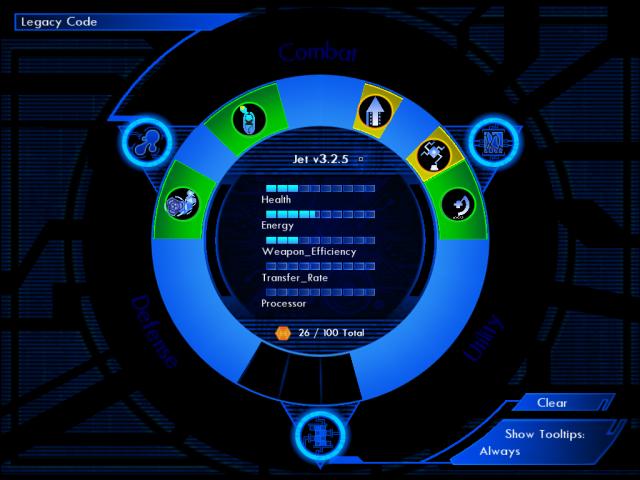
Because you've entered a new computer system, you have to reconfigure your subroutines.
Here is a suggested configuration. You'll definitely be needing the Y-Amp, Sequencer, and LOL. You should also leave some empty memory slots, for something you acquire later. Press the F1 key to exit this screen.
|
|
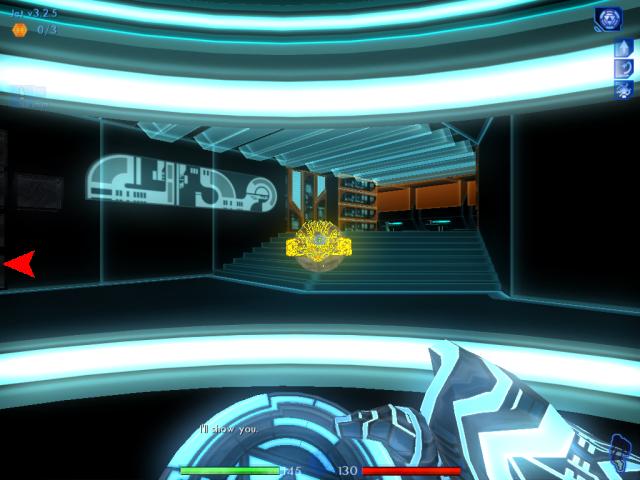
When you exit the system memory screen, Ma3a says she'll show you what happened to your Father. Follow her, when she heads to the left.
|
|
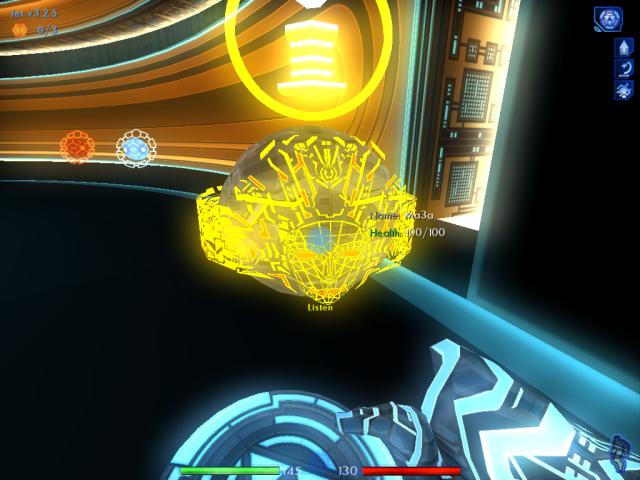
Talk to Ma3a, when you catch up. She asks you to check the content of the bin next to you, on the right.
|
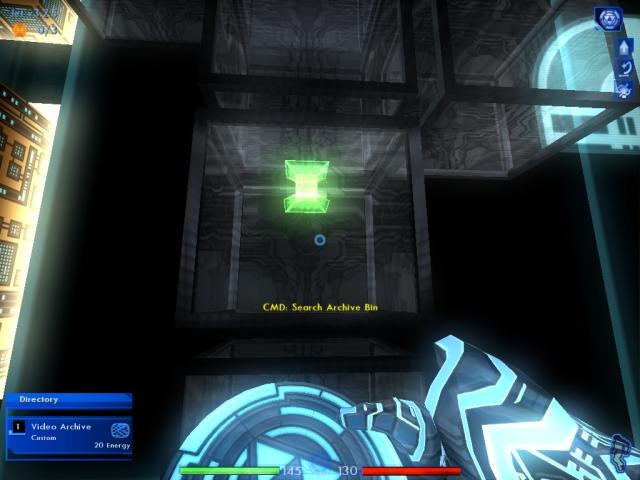
Download and watch the video. You earn five build points for doing so.
3.3.0
|
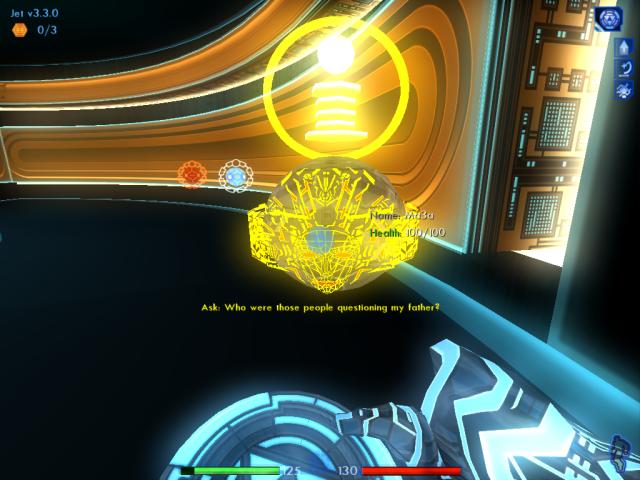
Turn left again, and talk to Ma3a. She will explain that your Father was captured by employees of fCon, a rival company that's trying to take over Encom. They know about, and want, Alan's digitization technology.
Jet asks that Ma3a send him back, so he can help his Father. Ma3a informs you that the routines specifically relating to the actual digitizing process, were temporarily lost in the reformat. She will need to regain that information, in order to return you to the real world.
|
|
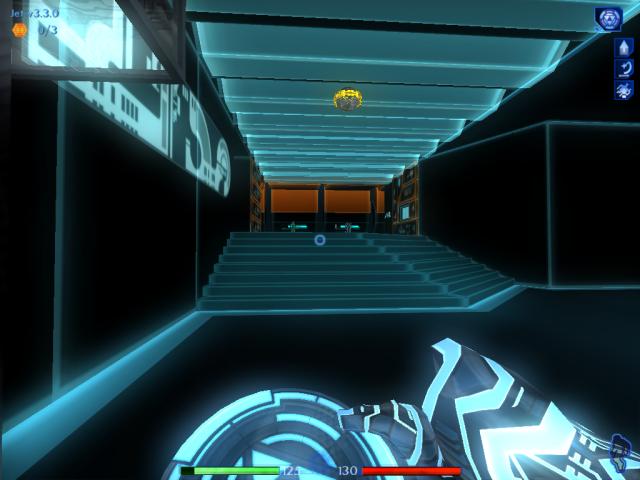
Ma3a suddenly receives a signal from a user named Guest, and goes to answer it. Follow her.
|
|
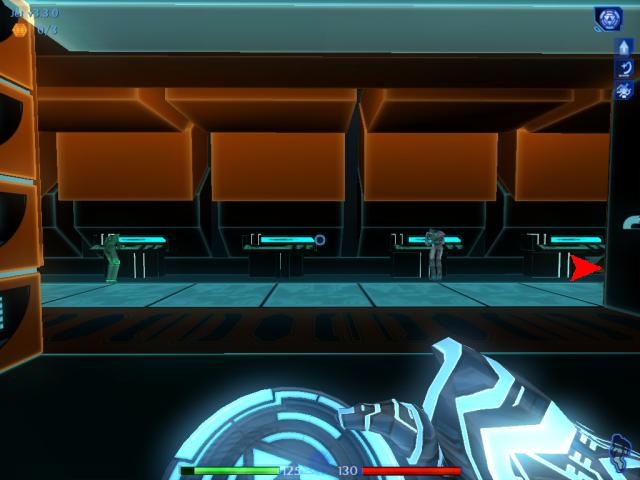
When you reach the top of the stairs, head to the right.
|
|
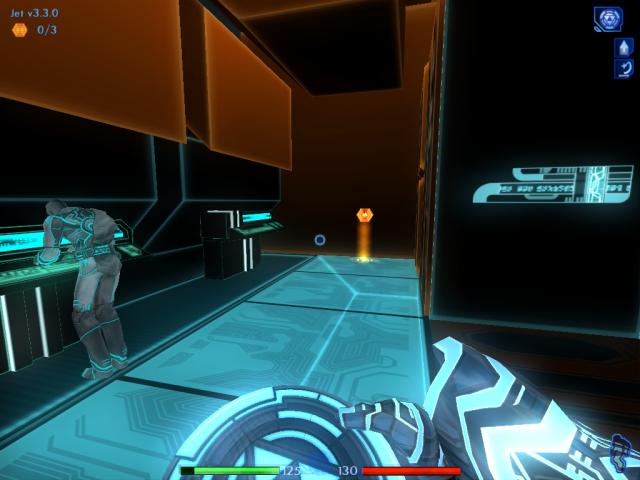
A build note can be found at the end of this passage, sometimes.
|

Turn around, and keep walking until you reach the first opening on the right. Ahead, you'll sometimes see another build note. After taking it, return to this spot and travel into the opening.
1/3 3.3.2 3.3.2
|
|
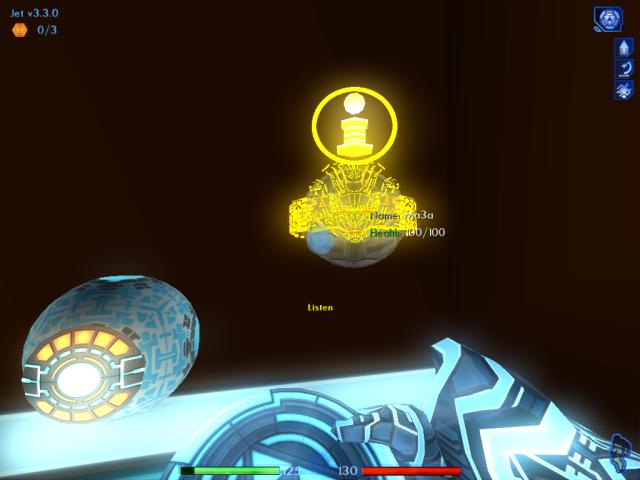
Talk to Ma3a. She says that she can't communicate with Guest, because the system's comm port isn't properly configured. Looks like it's up to you, to fix the problem.
|
|
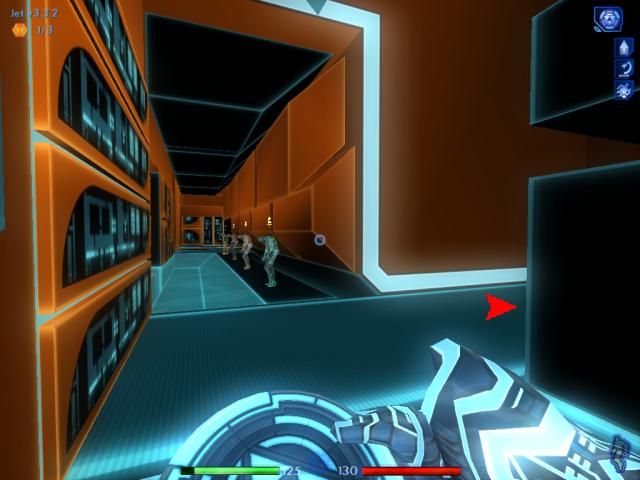
Turn around again, walk back out to the passage, and turn right. Head all the way down until you see a row of programs standing in line, all in sleep mode. Move into the right opening.
|
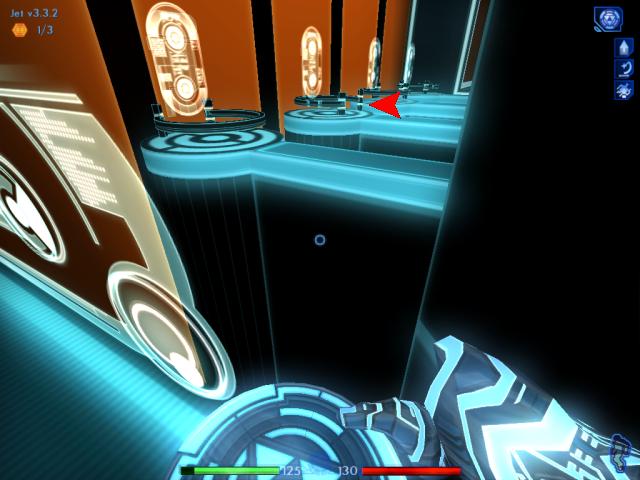
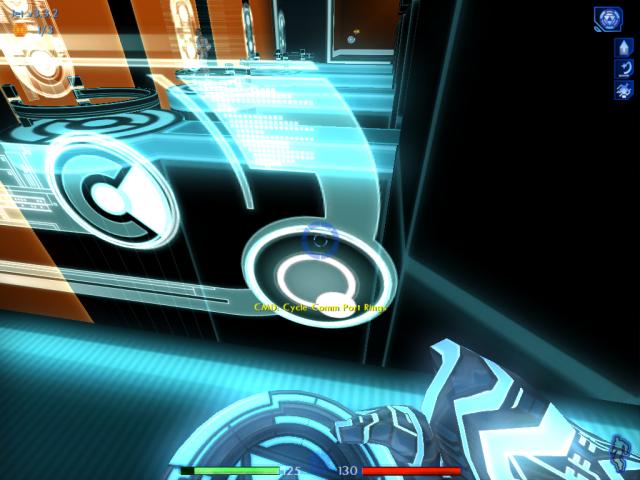
Notice there's a glass-like panel here, on the right side. This controls the comm port rings seen in the distance. Each time you use the control dial on the bottom right corner of the panel, it rotates the rings.
Observe that the second ring would allow one of the lined-up programs, to walk into the "booth" area at the end of the bridge.
|
|
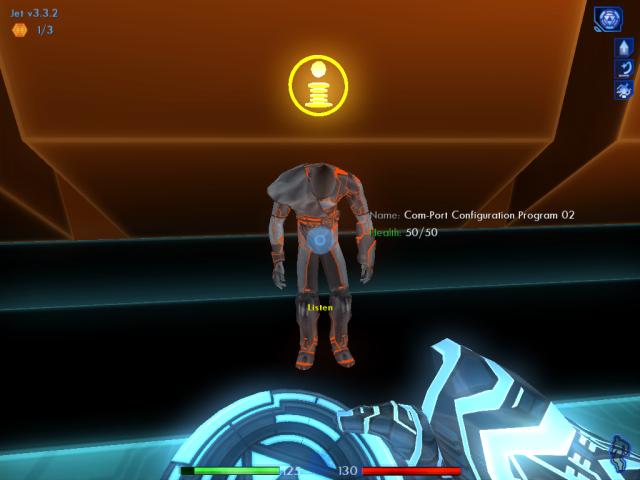
Walk down the line of programs, until you reach the second one. He's orange in color. Talk to him.
|

|
The program will wake up and run off to fulfill your request, to start reconfiguring the port at the second ring.
|
|
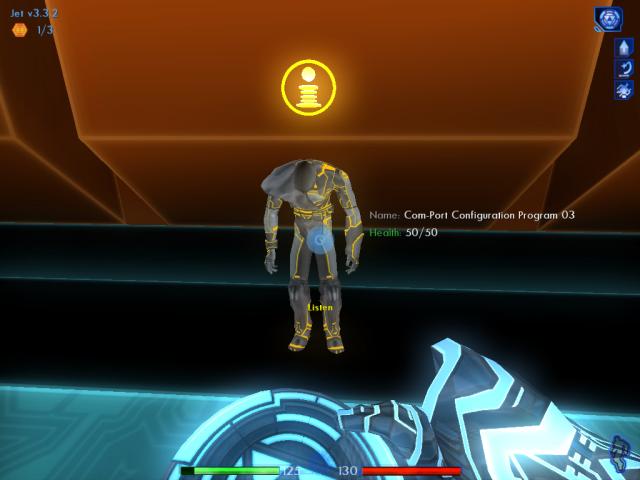
Once he's reached the second ring, use the dial on the panel to rotate the rings. The third ring will now be open.
|
|
Return to the line, and talk to the third program in yellow. Once again, he'll run off to obey your request.
|
|
When he's reached his destination, rotate the rings again. Head back to the line-up.
|
|
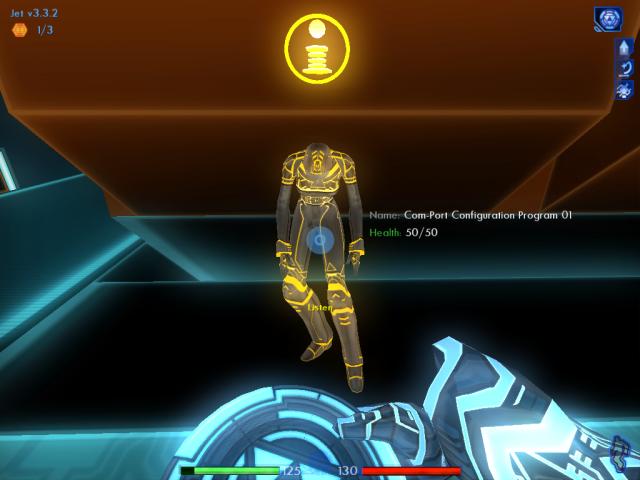
Talk to the first, female program.
|
|
And again, when she reaches her booth, rotate the rings one final time.
|
|
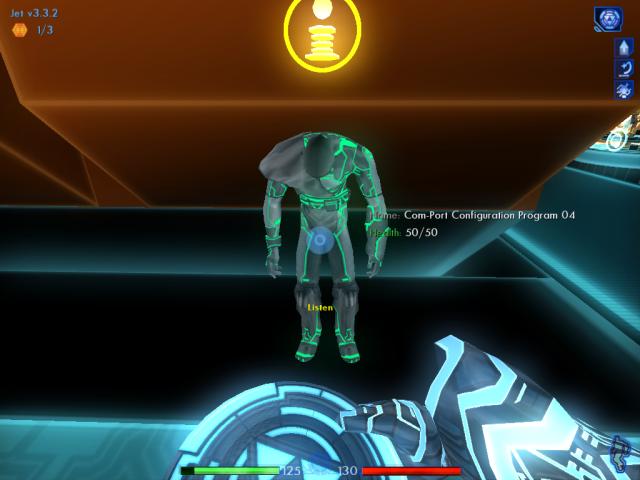
Talk to the last program.
|
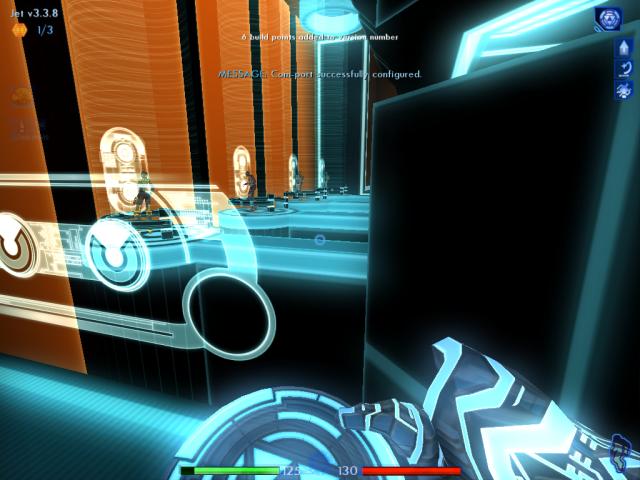
Return to the panel and wait for the fourth program to begin his task. Once that happens, you'll receive six build points.
3.3.8
|
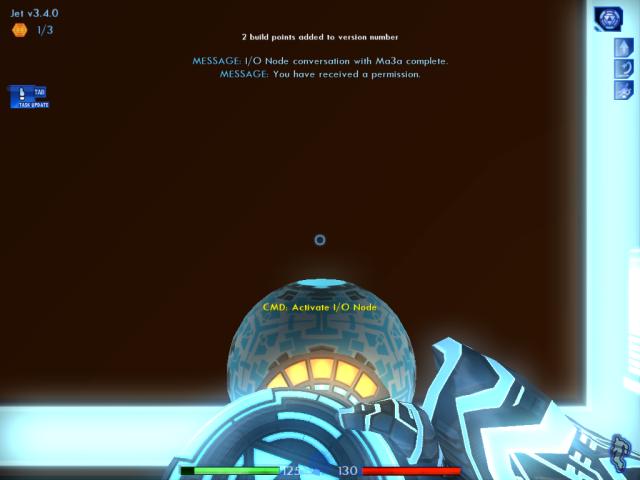
Ma3a will request an I/O link with you now. Use the node on the wall to your left, to talk with her. She routes the message from Guest to you as well, so you can listen in. When finished, you gain another two build points.
Guest will inform you and Ma3a that fCon has managed to steal the correction algorithms, and your best chance to help thwart their plans is to obtain the TRON Legacy Code . . . wait, did Guest just say something about  ?! ?! 
Ma3a will do a search for any information on TRON Legacy, and find a fragmented e-mail you need to collect, nearby.
3.4.0
|
|
Travel back to the area where the programs were standing, and head all the way to the end of the passage.
|
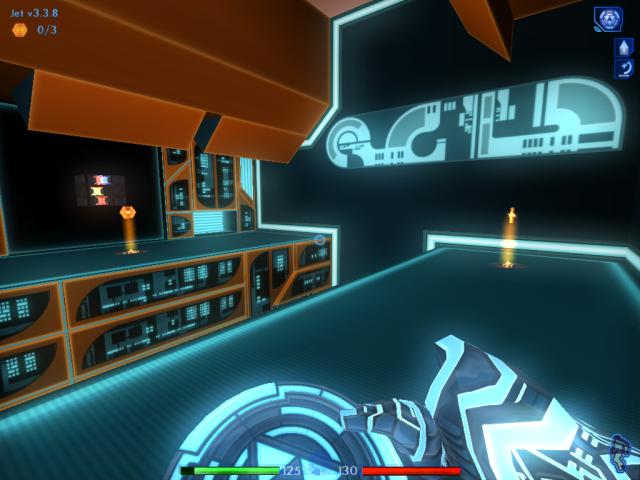
Turn right. You'll see an archive bin on the other side of a deep chasm. There could also be up to two build notes here, one on each side. If the nearby note is there, grab it. Don't worry about the other note or the bin yet.
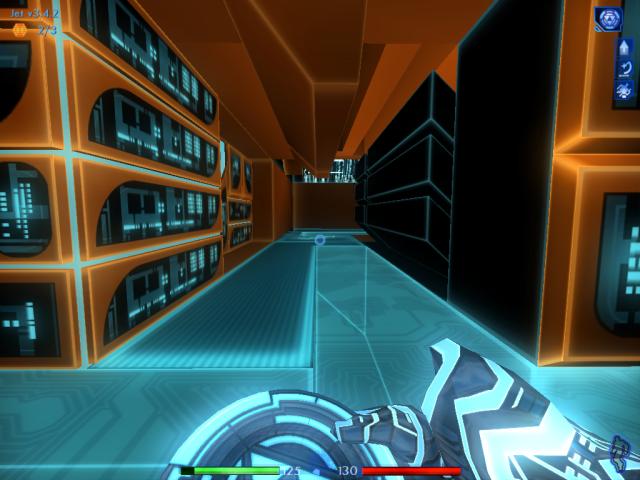
Turn around, and walk back to where the programs were.
|
|
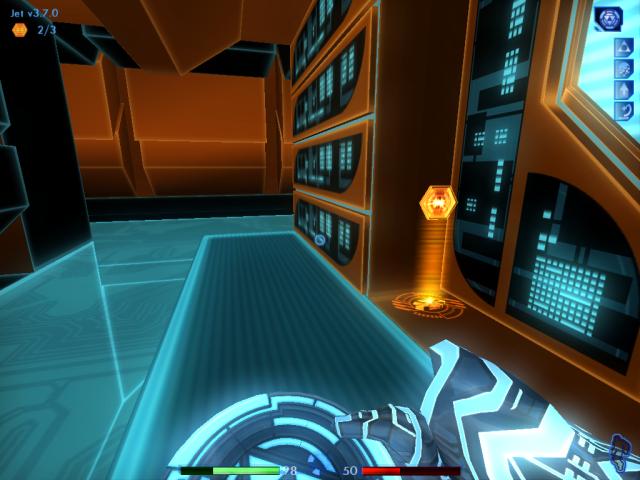
Face the right. Head down this next passage, but stop about halfway through.
|
|
Turn around, and you'll sometimes find a build note here.
|
|
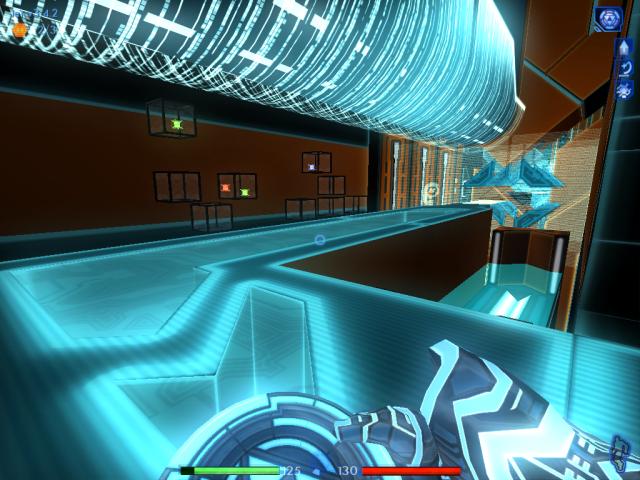
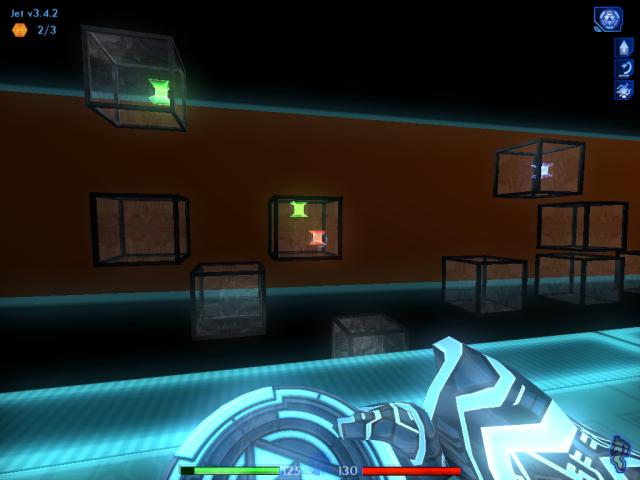
Continue down the passage now. You'll soon see several archive bins in the distance. Quick save your game (F5 key).
|
|
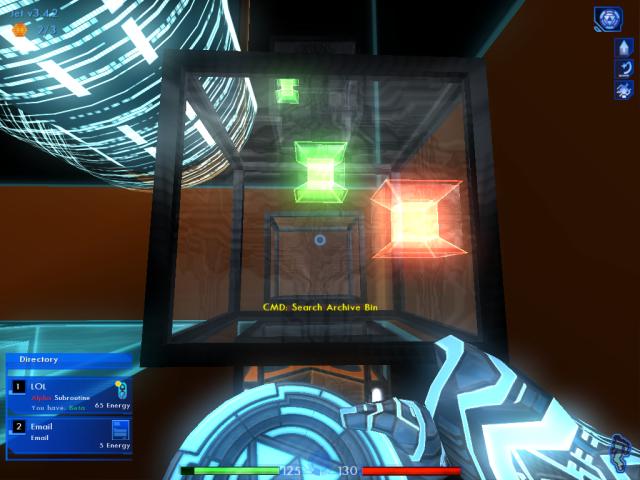
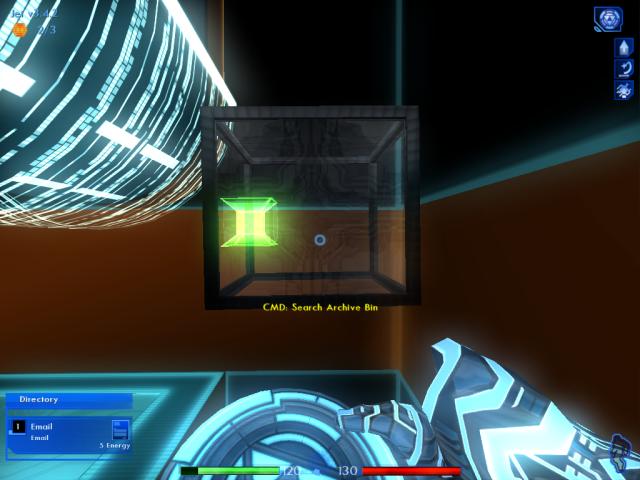
Start with the bin in the middle, then go to the left, and finally the right bin. Don't worry too much about falling, there's a kind of "floor" below the bins that will break your fall if you make any missteps here.
|
|
Download the e-mail in the first bin, and ignore the Alpha LOL.
|
|
Do the same for the second bin.
|
|
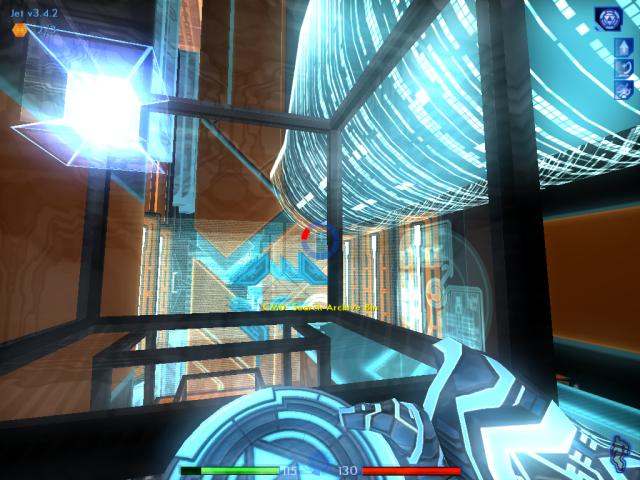
Drop down to the first bin, then jump over to where the third bin is. Unfortunately, we can't download this permission yet . . . have to come back for it later.
|
|
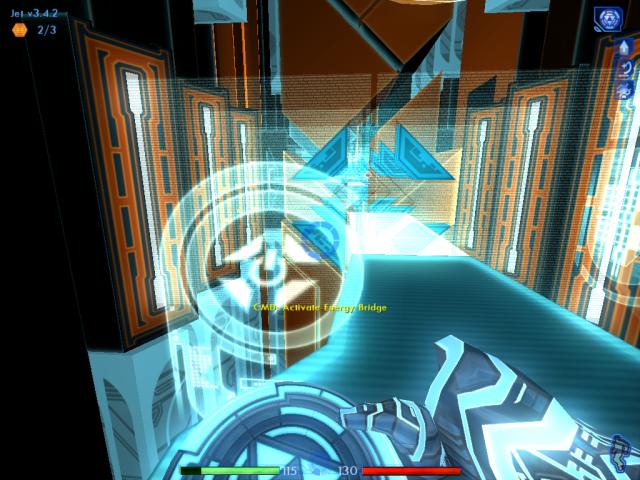
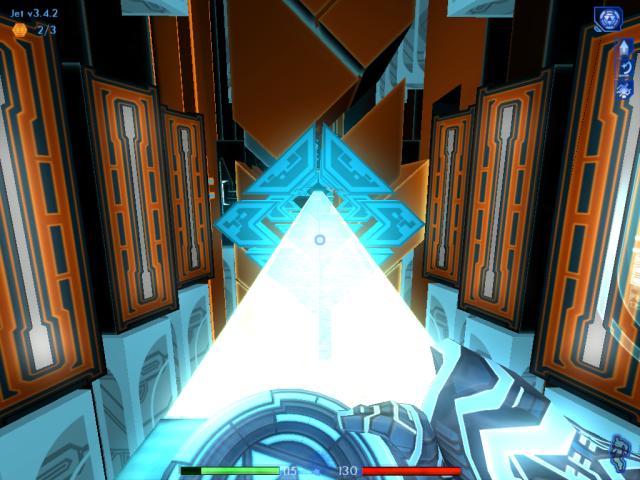
Jump back on the walkway you just came from, and continue following it until you discover a control panel on the left. Activate it.
|
|
An energy bridge will appear, that you can cross. Quick save your game again, first.
|
|
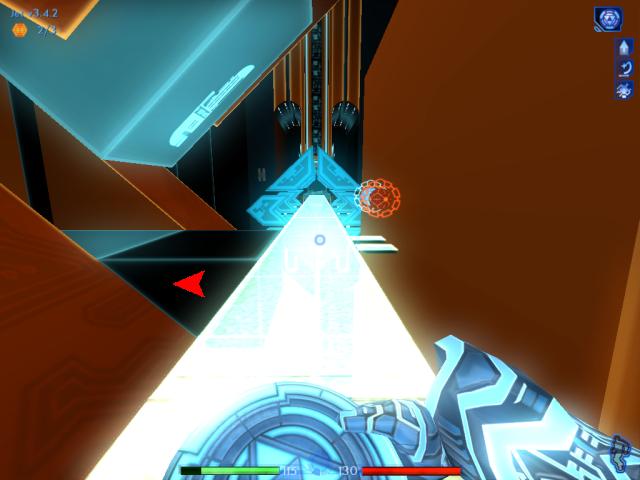
As you cross the bridge, you'll soon find some patch routines to the right, and an opening on the left. Head into the opening.
|
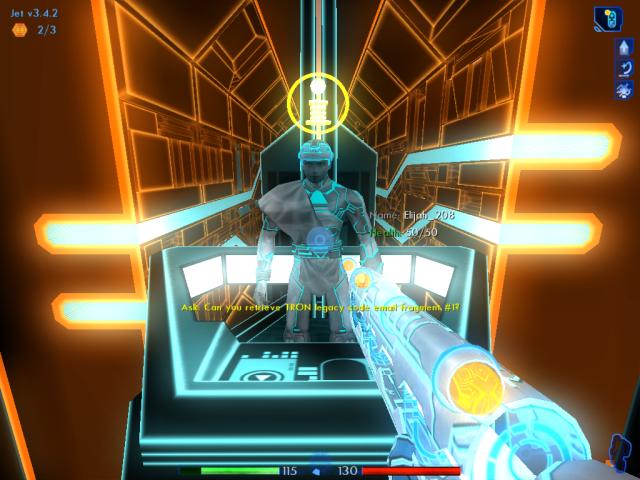
Here you'll meet a program minding an archive stack. Talk to him. Elijah (his name could be different) will go retrieve one of the e-mail fragments you're looking for.
At this point, switch over to using the LOL as your weapon.
|
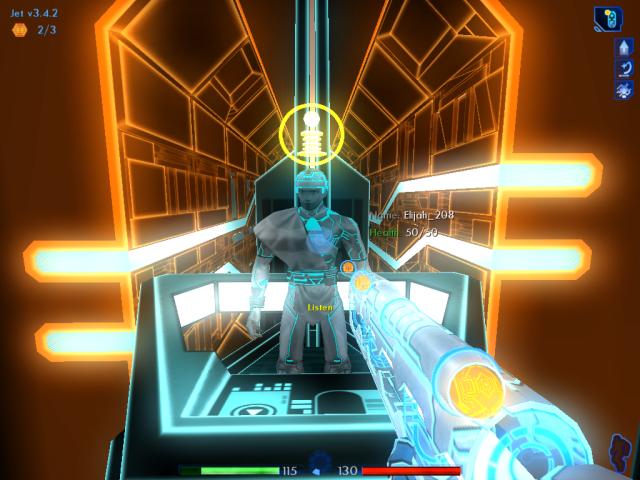
When he returns, talk to him again. You'll get the first fragment of the e-mail, and gain five build points.
3.4.5
|
|
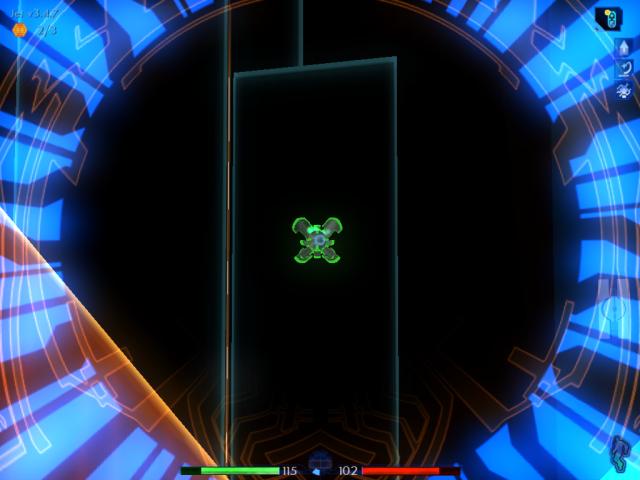
Quick save your game, then back up a few steps. Look up and to the right. A finder will have been activated.
|
|
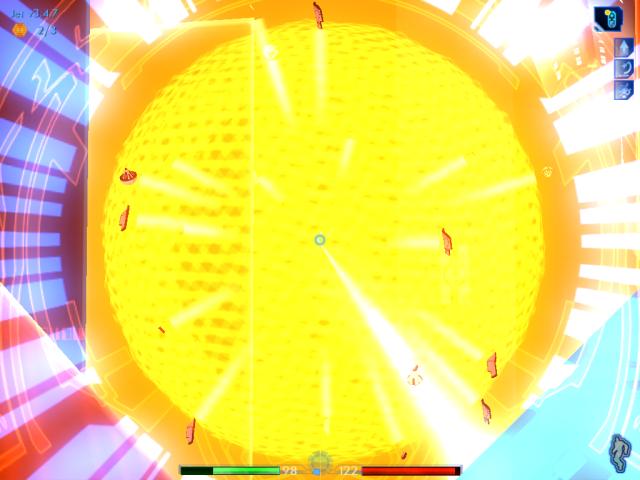
Use the zoom feature of the LOL to target the finder, and fire.
|
|
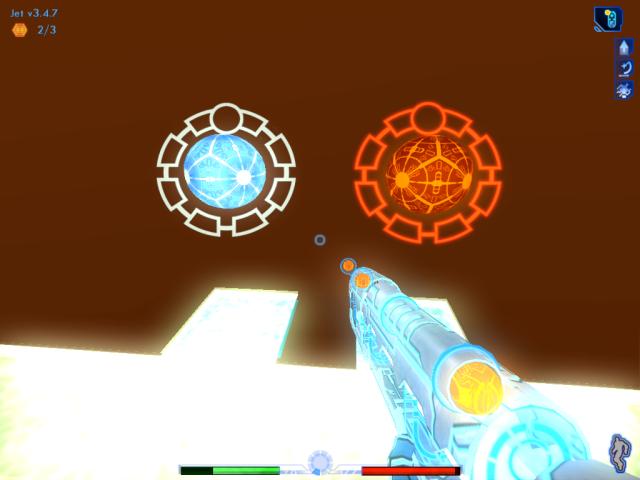
Once the finder has been destroyed, you can zoom out again.
|
|
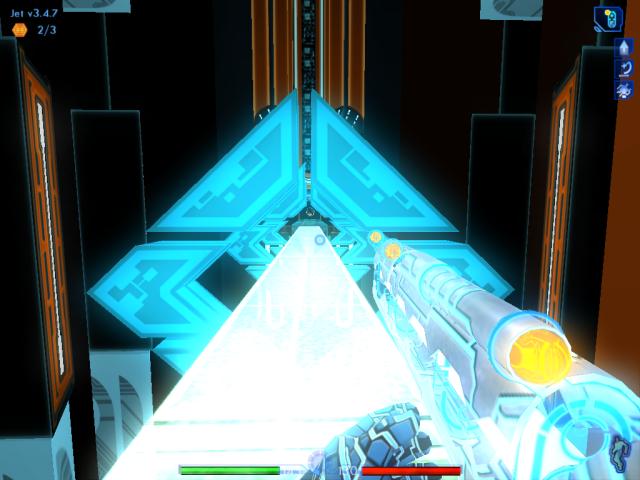
Turn right, and use the patch routines to restore your health and energy. Don't hang around here any longer than you need to.
|
|
Turn left, and continue along the energy bridge.
|
|
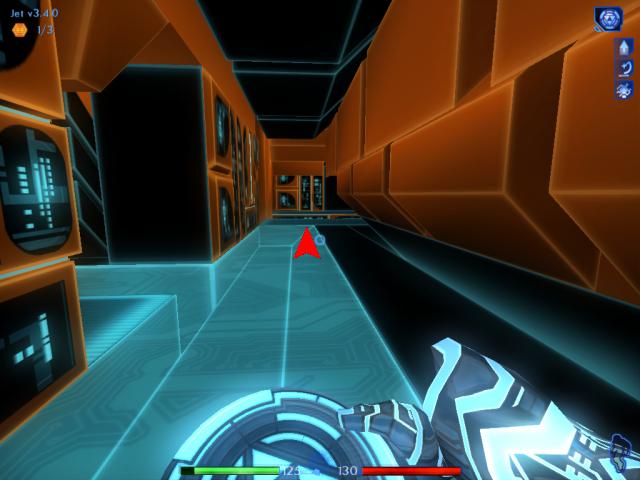
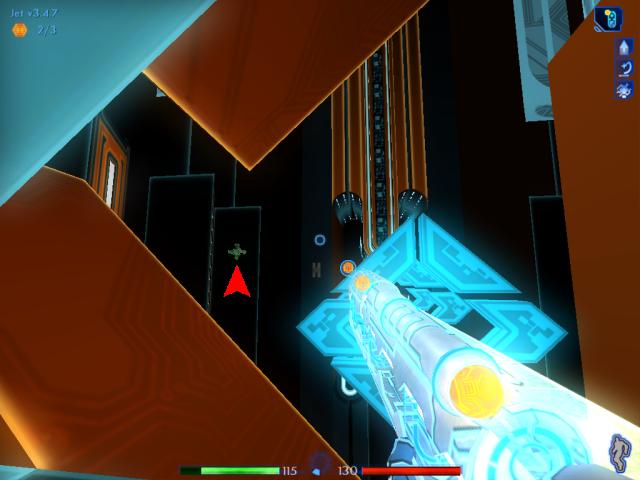
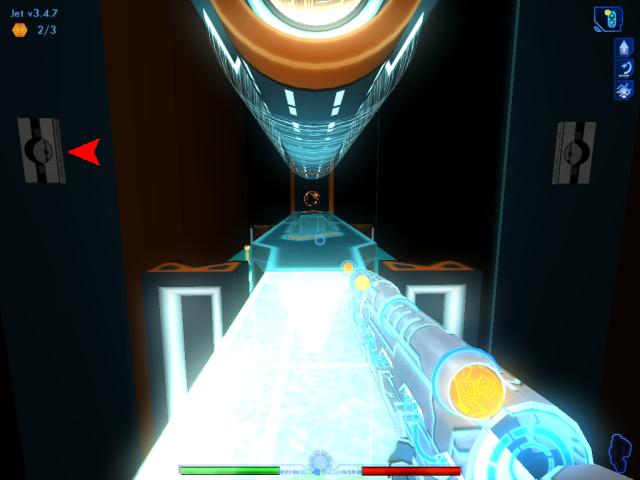
As long as you keep moving, you'll be fine . . . but if you take too long, another finder will be spawned and come from the opening where the arrow indicates. Then you'll either need to take it out, or you can try running for it.
|
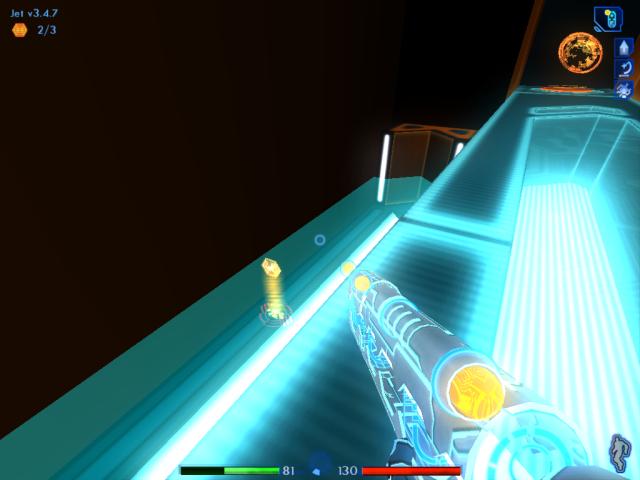
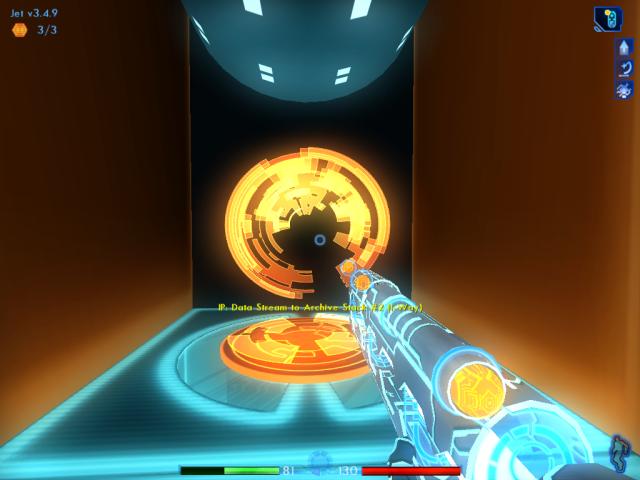
When you reach the end of the bridge, you'll see a portal ahead. If you look down to the left, a build note can sometimes be found down on the "glass floor" below.
2/3 3.4.7
|
|
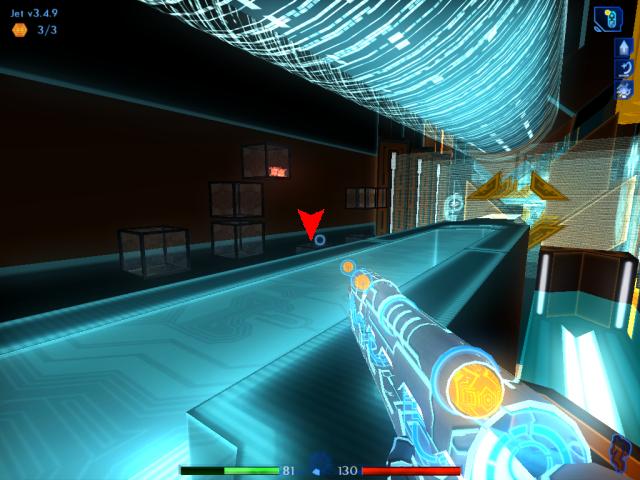
Go through the portal now.
|
|
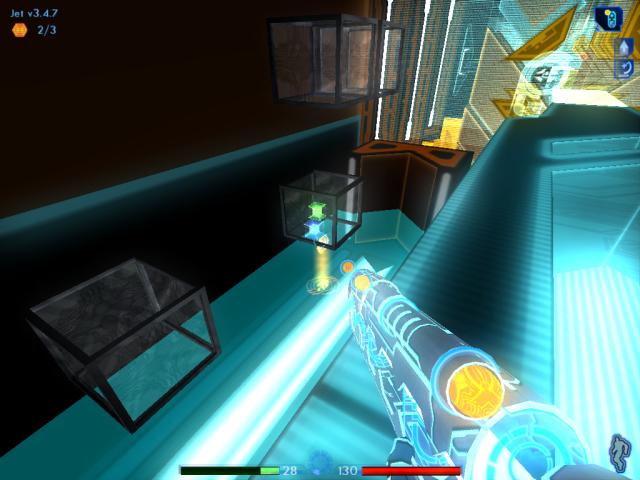
In front of you are more archive bins. You can immediately see that one of them has subroutines in it. But if you look more closely, a bin down below also has item nodes within it.
|
|
Not only do you find a bin with content here, but sometimes you'll also discover a build note.
|
|
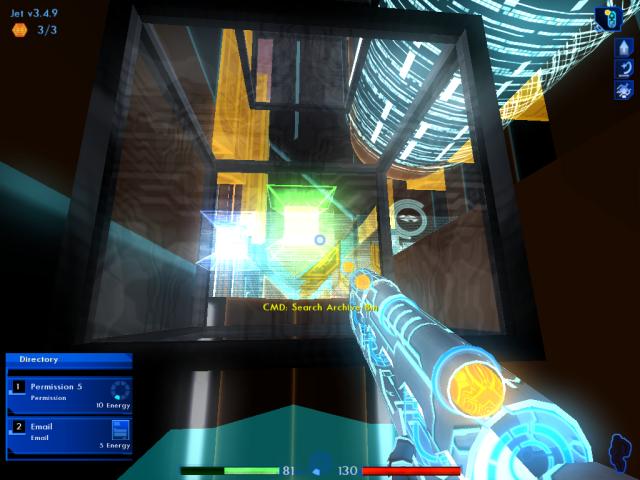
Drop down and grab the build note if it's there, then download the e-mail from the bin. You should already have the permission.
|
|
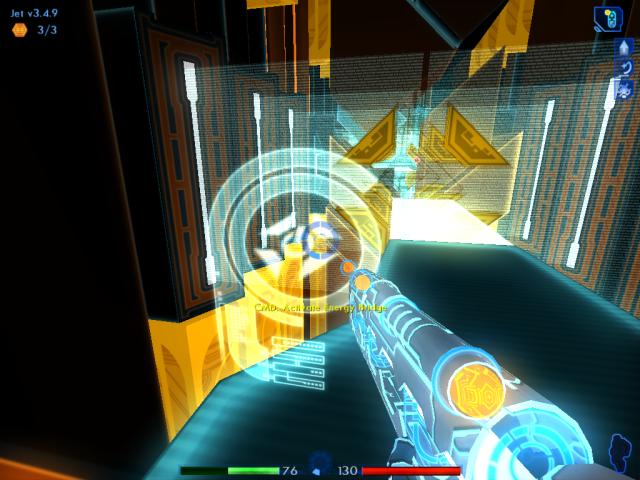
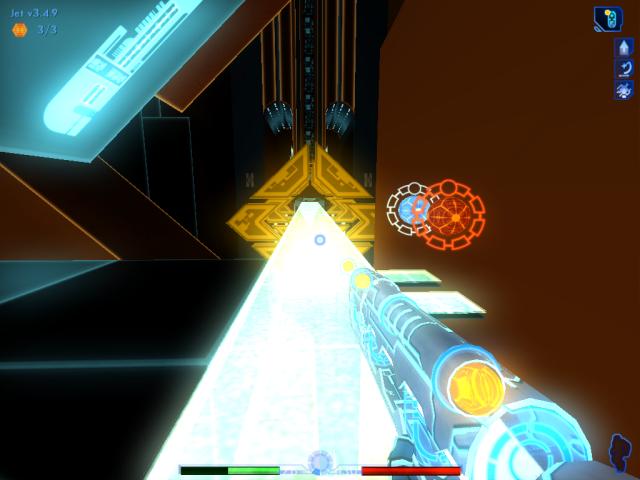
You probably won't have enough energy to download the subroutines in the other archive bin, so we'll have to come back in a moment. First, go to the nearby control panel and activate the next energy bridge.
|
|
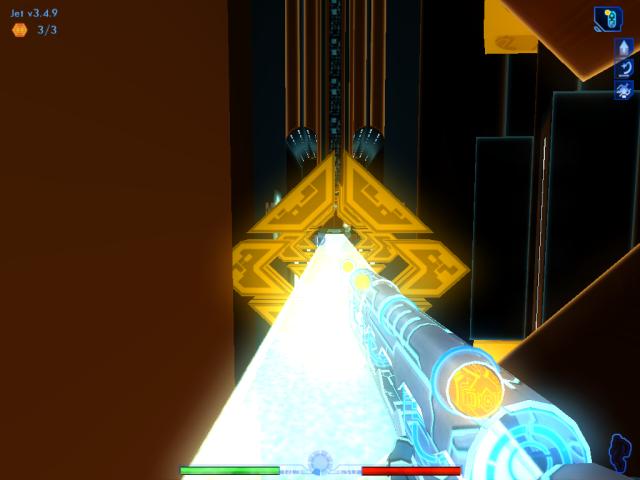
Travel down the bridge until you reach the patch routines.
|
|
Use the energy patch to fully recharge your meter.
|
|
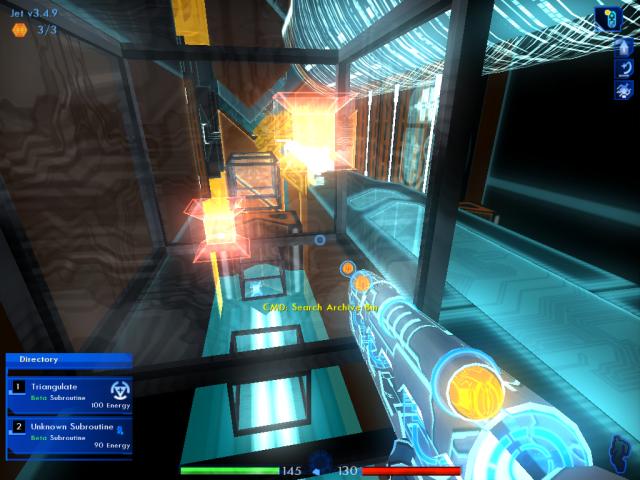
Now head back down the energy bridge, to the archive bins again.
|
|
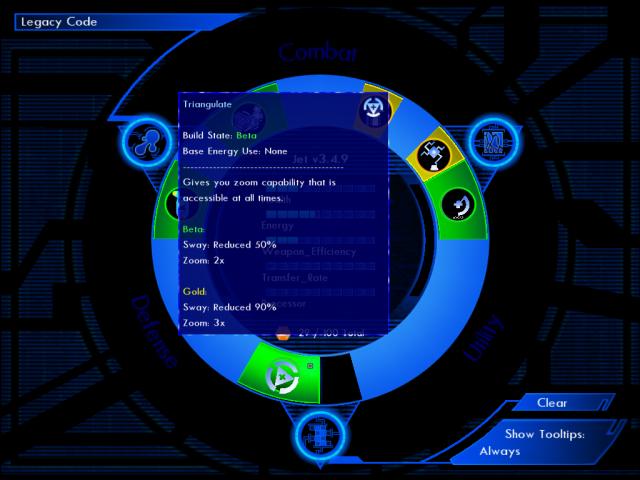
Jump up the empty bins to the left of the bin with the subroutines. Download Triangulate first.
|
|
After downloading it, go to Jet's system memory. This subroutine is the reason we left some slots open at the beginning of the level. Install Triangulate now.
|
|
The subroutine required a lot of energy to download, so return to the patches and transfer more energy until your indicator reads full.
|
|
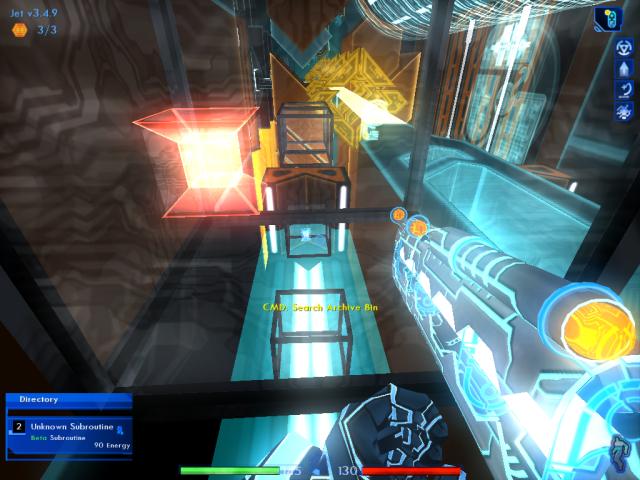
Head back to the bin, and download the unknown subroutine.
|
|
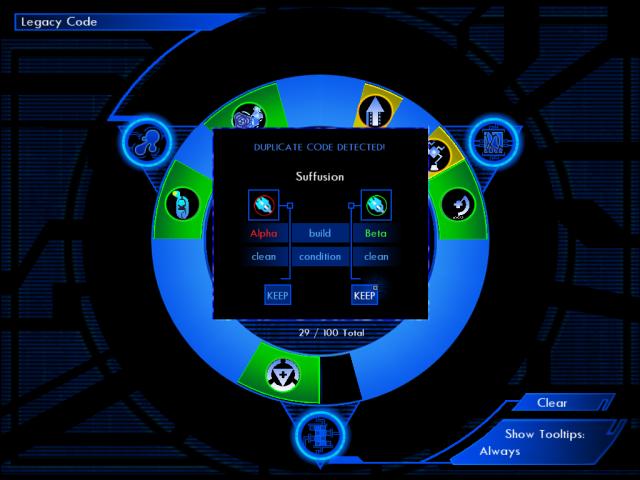
After porting it in the system memory screen, it will turn out to be a Beta upgrade for your Suffusion. Make sure you keep the Beta version!
|
|
Finally, use the energy patch to recharge yourself one more time. When done, quick save your game, then turn to the left and approach the program in charge of the next archive stack.
|
|
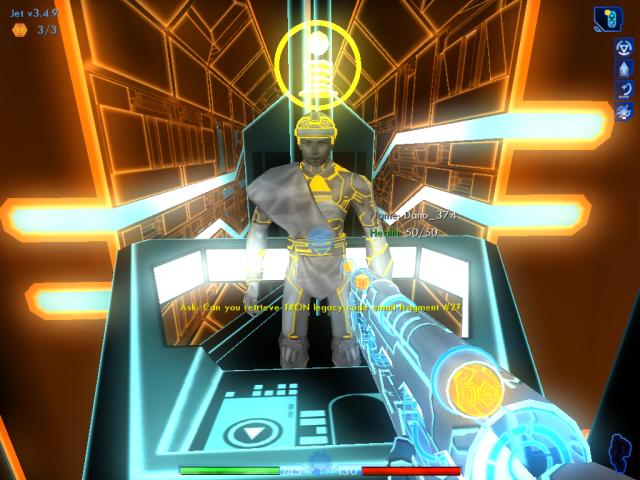
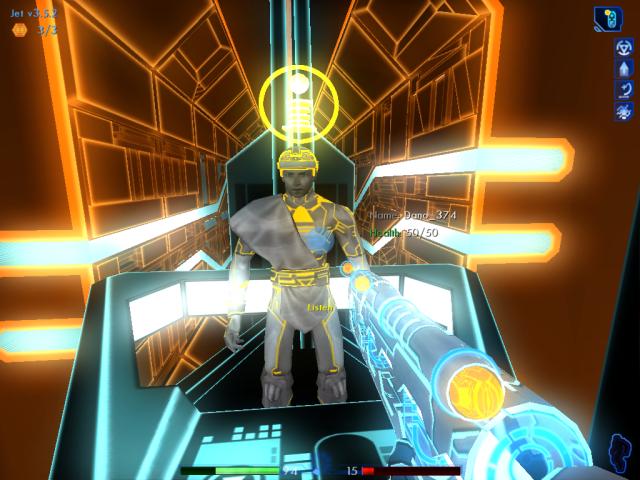
When you ask Dano (his name could be different) to retrieve the second fragment, he'll say that information is restricted. Talk to him again. Now he mentions that the fragment can only be accessed if you eliminate the finders guarding the stacks.
|
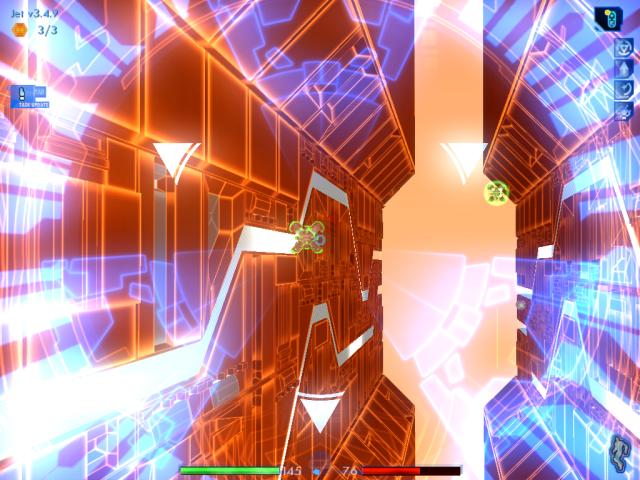
Once Dano's pod begins to move out of the way, activate the LOL's zoom. You need to eliminate three finders. The Beta LOL combined with the Beta Triangulate should help make the task fairly easy.
If you accomplish this goal, you'll be rewarded with three build points.
3.5.0
|
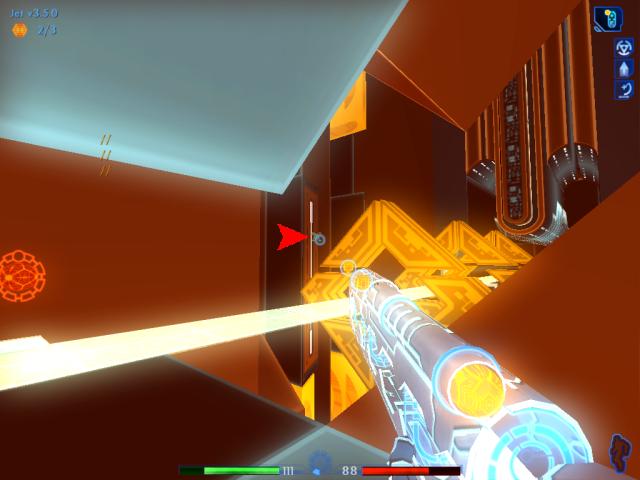
Guess what, you're not done using that LOL yet. But take off the zoom for the moment, then perform another quick save.
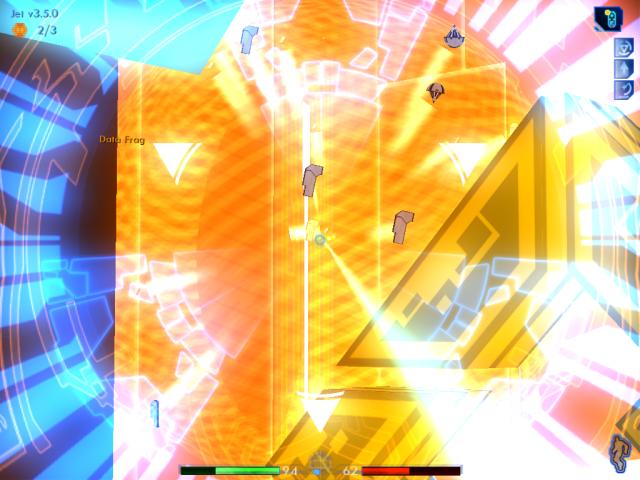
Turn around, and move a couple of steps toward the patch routines. Two finders will have spawned, while Dano continues to search for the e-mail fragment. One will be on each side, so check both left and right for them.
|
|
Zoom in and blast whichever is closest. Then zoom out briefly, whip around, zoom back in, and nail the other one.
|
|
Quickly move to the energy patch, and recharge.
|
|
Probably by now, Dano will have returned. Ask him for the fragment.
|
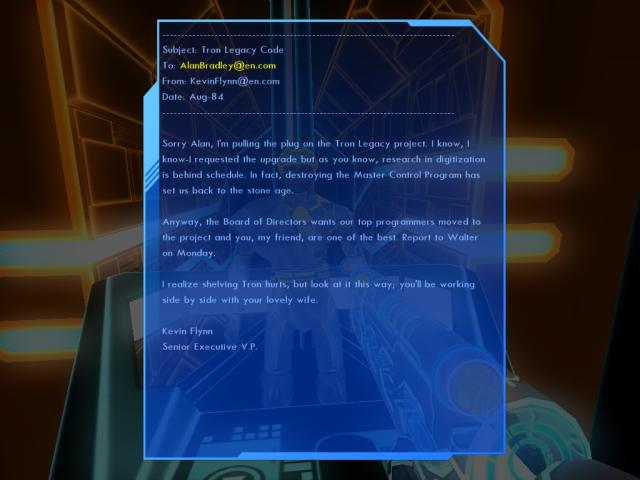
This particular part of the e-mail thread has the most useful information. TRON Legacy is an upgrade of the original TRON program, that Alan Bradley was working on. But the project got shelved long ago, in favor of Alan working to restore the digitizing process back to a functioning state.
You are rewarded with five more build points for retrieving the fragment.
3.5.5
|
|
Do another quick save, before stepping back out to the bridge. The finders will respawn, so you'll have to check both directions again and take each one out.
|
|
After doing that, download power from the infinite energy patch yet again, and health from the other patch if it's still there.
|
|
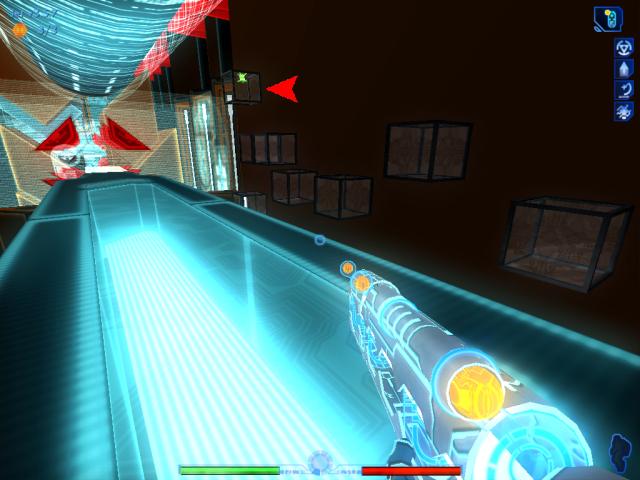
Now follow the bridge to the end, and let's get the heck out of here before more finders show up.
|
|
On the other side of the portal, you'll discover more bins and another energy bridge that needs to be activated. One of the bins contains an e-mail, which you should download.
|
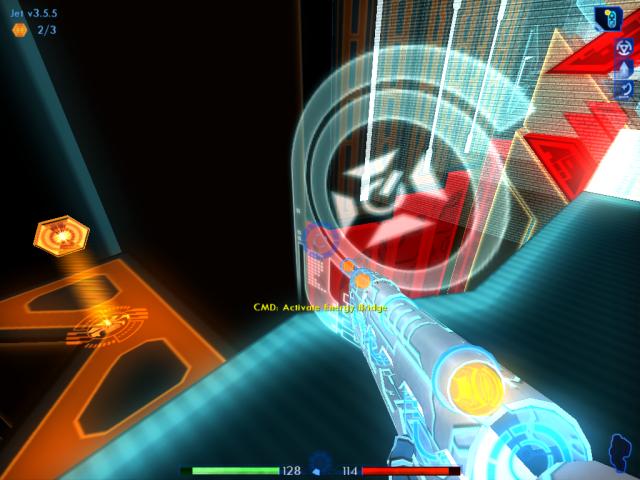
Use the nearby control panel, which causes the bridge to appear. Check to see if a build note appears here, and pick it up if it's there.
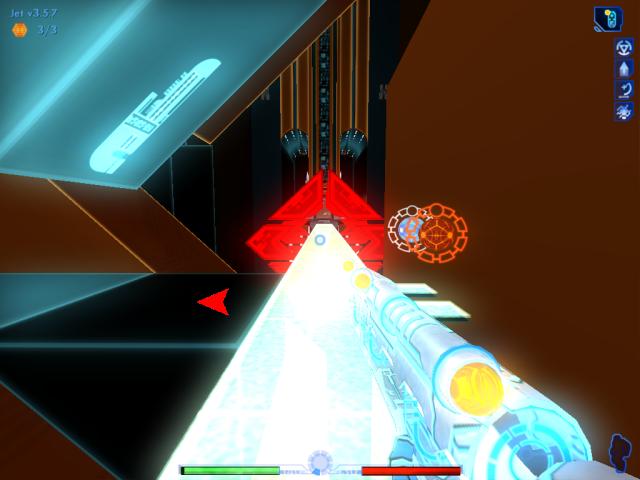
Head down the bridge, until you reach the patch routines on the right.
|
|
As you might have guessed, turn left here to visit the next archive stack. Do another quick save first, though.
|

|
Ask Josef (his name may be different), for the final e-mail fragment. It should come as no surprise by now, that you again need to destroy finders to access the stacks.
|
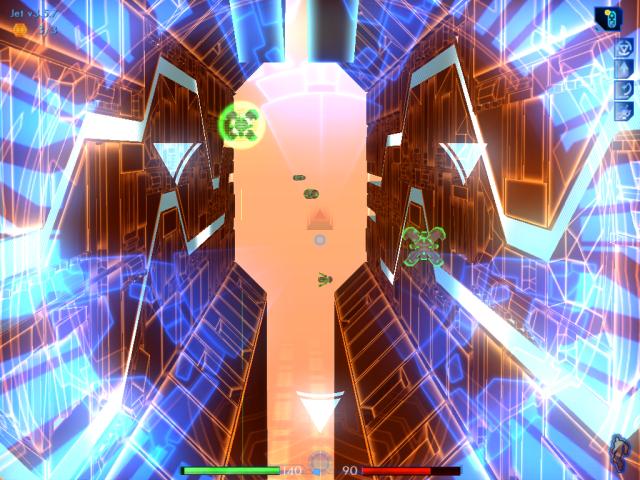
This time you'll have to eliminate five of them. Once that's done, you earn another three build points.
3.5.8
|
|
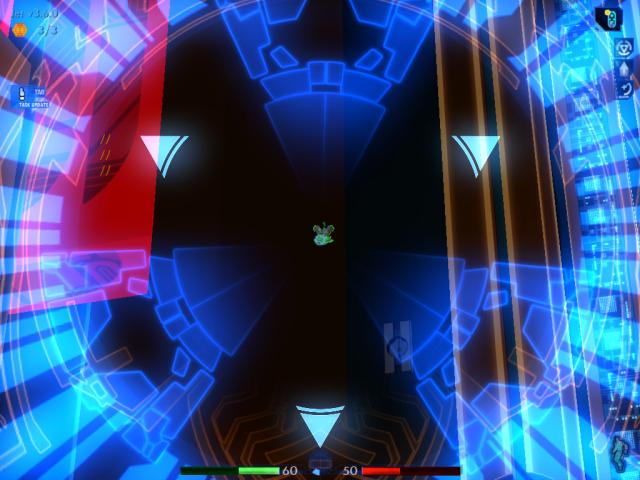
As soon as you've destroyed all five finders, turn around and move to the patch routines. Recharge for as long as possible, until more finders are spawned and start shooting at you.
|
|
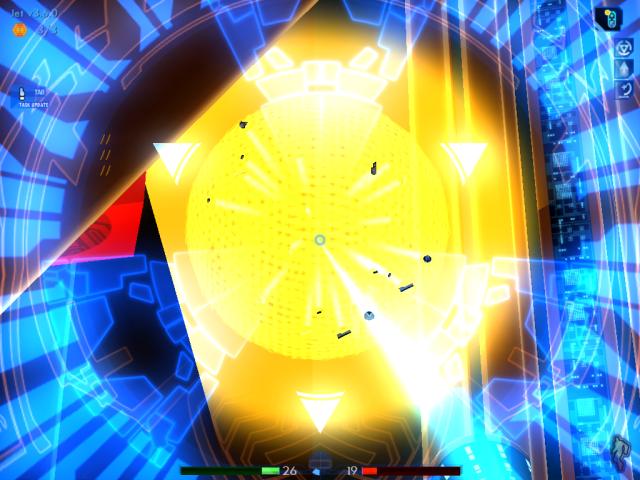
Check in both directions, and zoom in with the LOL on the nearest finder.
|
|
De-rezz it, zoom out, then zoom in on the other one and eliminate it.
|
|
Continue recharging your energy, and health if possible.
|
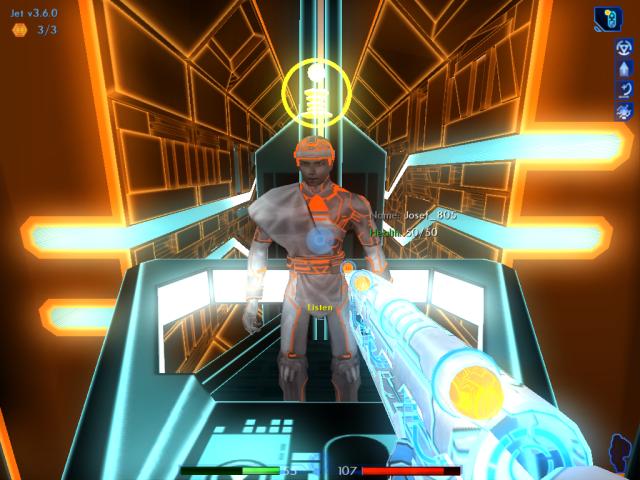
By now, Josef should have returned. Talk to him, and obtain the third fragment.
With the e-mail thread fully restored, you are awarded another ten build points. Ma3a also requests an I/O link with you.
3.6.8
|
|
Quick save your game first, then move back to the bridge and patches. More finders will show up. Blast them out of the sky.
|
|
Recharge one more time. Turn left once done, and travel down the remainder of the bridge.
|
|
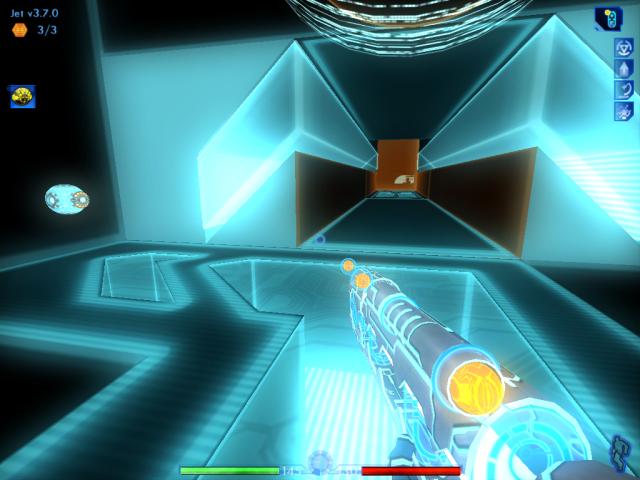
This time, there's an opening ahead, instead of a portal. Off to the left, is an I/O node.
|
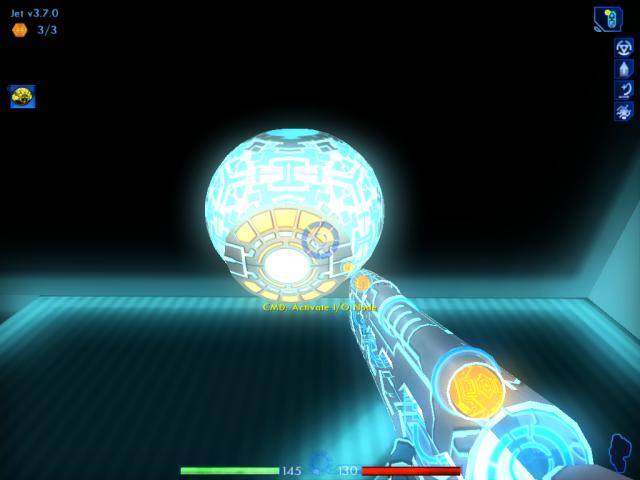
Use the I/O node to converse with Ma3a. You'll tell her that the unfinished code for TRON Legacy is located on an old Encom mainframe, that's powered down. Somehow, your task will be to find a way to bring the mainframe back online. The first step is retrieving the required permission to reroute the exit port's destination, on a path that will lead you to power routers required to power up the mainframe.
After finishing your conversation, you gain two more build points.
3.7.0
|
|
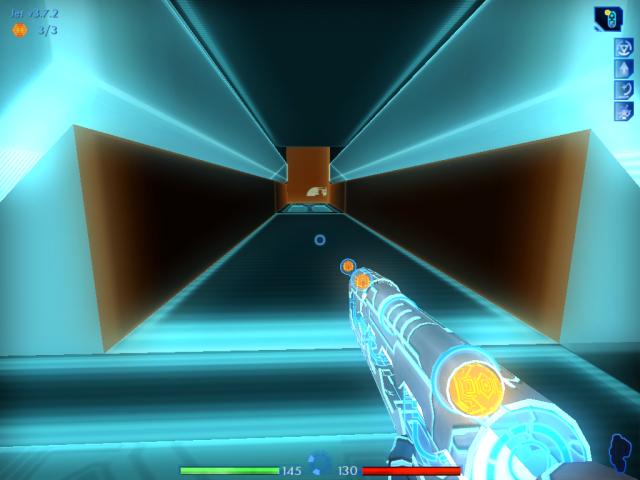
Turn right, and head down this short corridor. Keep moving, so any respawned finders won't catch up.
|
|
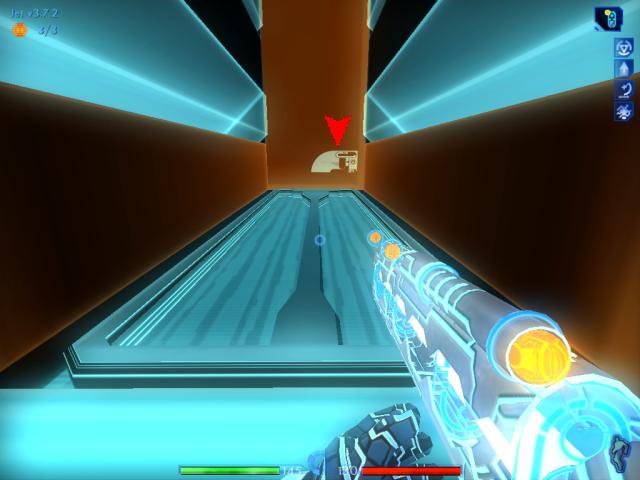
In front of you is an elevator lift, with a control panel on the wall.
|
|
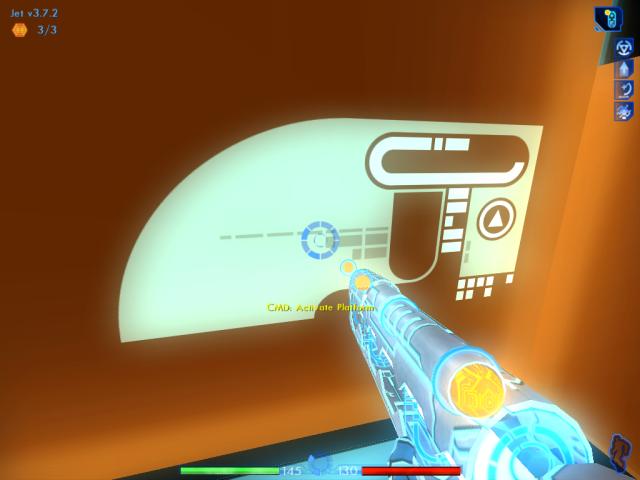
Activate the control, and ride the elevator.
|
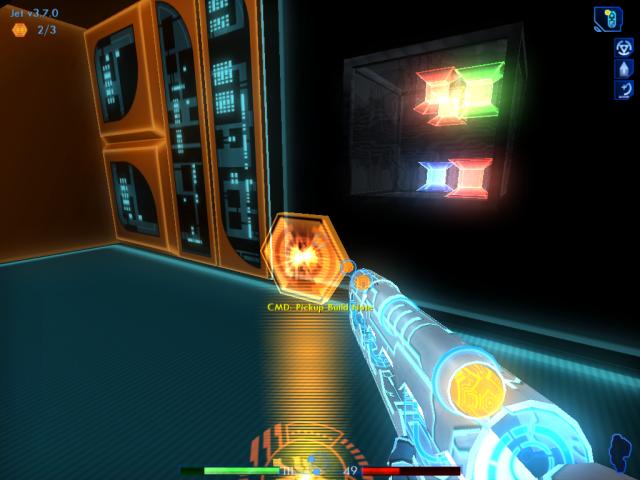
When you come to a stop, you'll realize that the elevator is at the top of the chasm you weren't able to cross earlier, with the archive bin and build note on your left.
Take the build note, but skip the bin for now. There's a permission you still need, in order to access the bin.
3/3 3.7.2
|
|
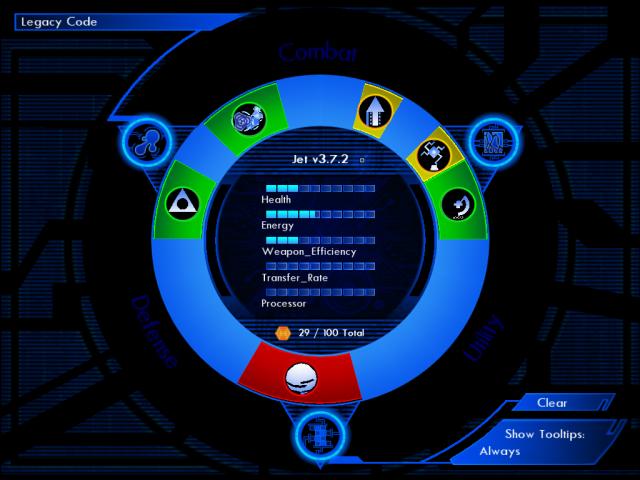
Go to the system memory screen, and remove both the LOL and Triangulate subroutines. In their places, install power block and corrode.
|
|
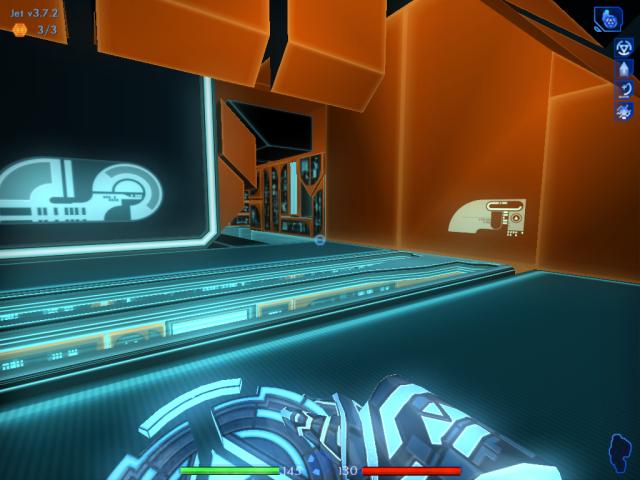
Turn around, and switch to the sequencer. Quick save your game, then move into the passage ahead.
|
|
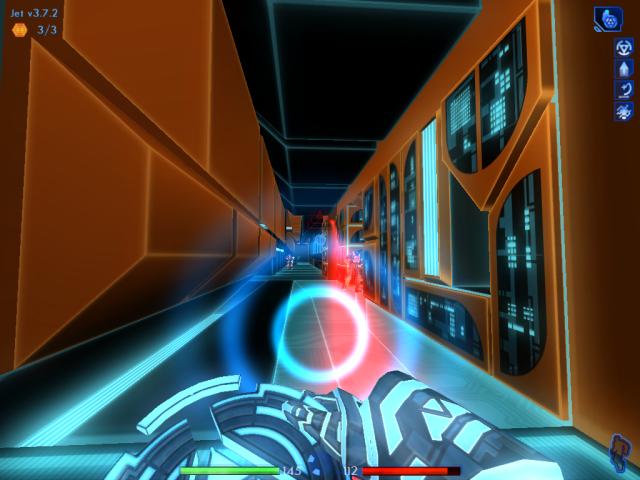
Two ICPs will try to ambush you. Use the power block to your advantage, as you take them out. Don't forget to pick up their core dumps.
|
|
After the ICPs have been dealt with, head down the passage where the ICP to the right came from.
|
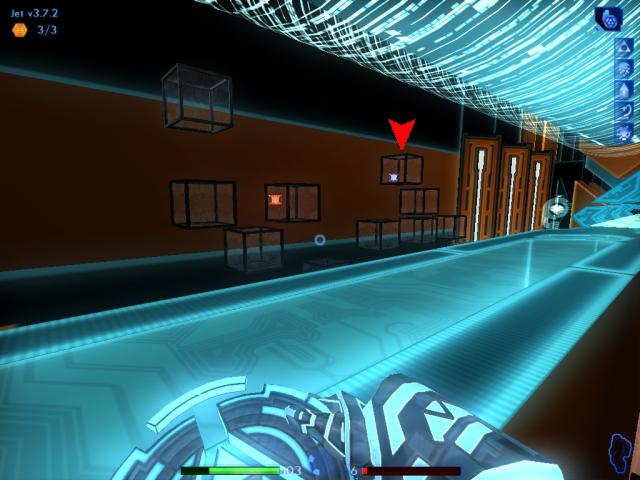
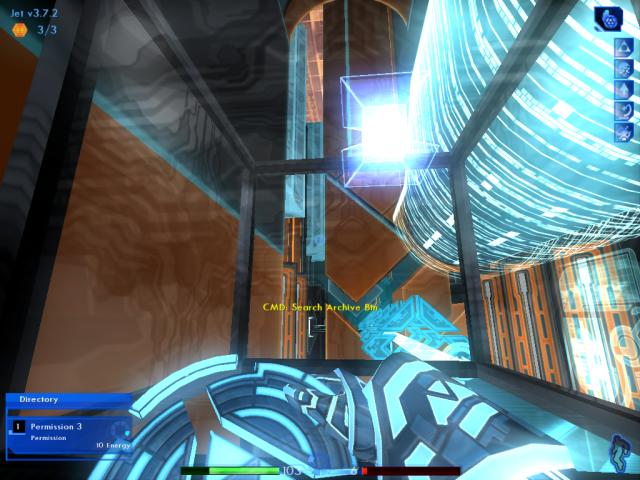
Remember the bin with the permission you couldn't download, earlier? Well, now you have the permission needed to get the permission. 
|
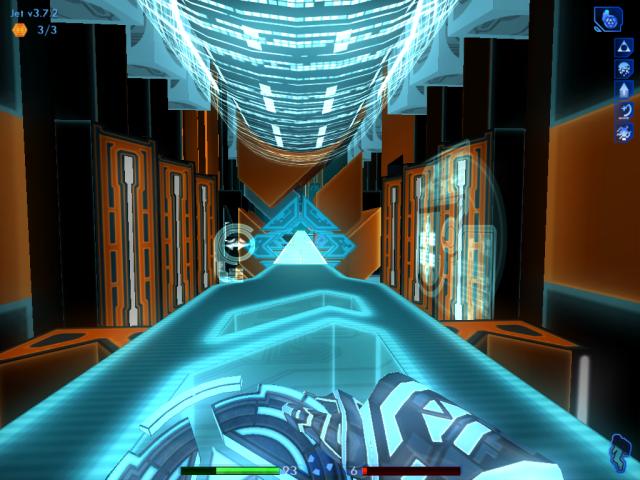
|
Before returning the way you came, head down the first bridge once more.
|
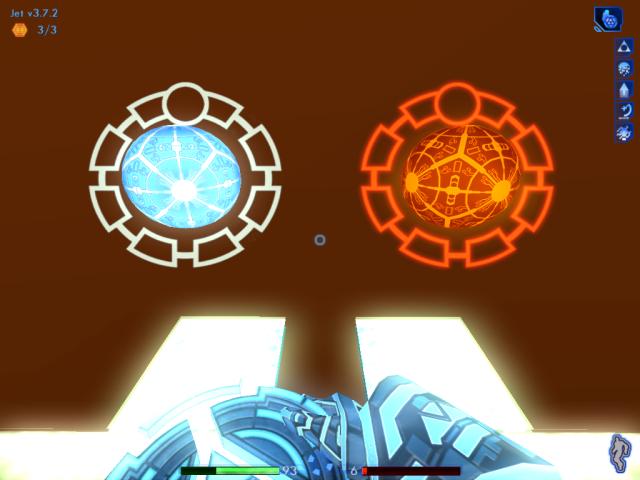
|
Use the health and energy patches to restore your meters as much as possible.
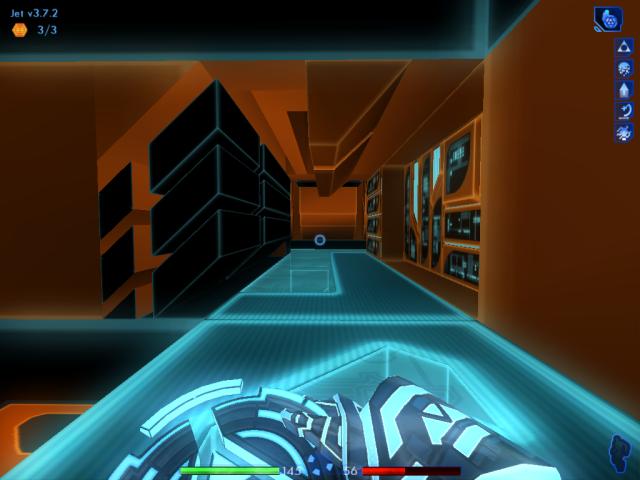
|
|
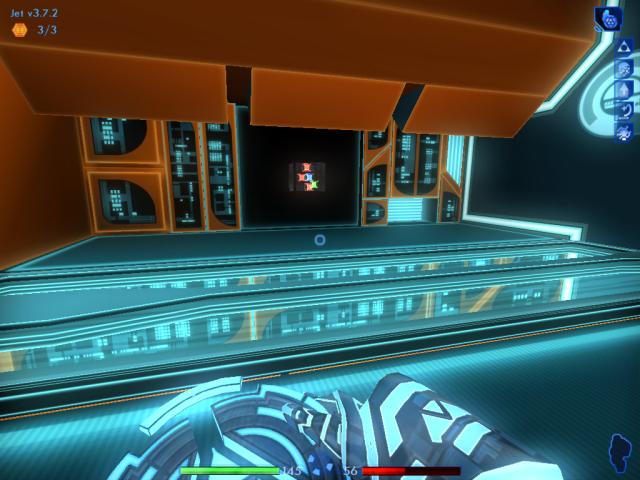
Turn around and move past the bins you were just at, then make your way back to the elevator lift.
|
|
Revisit the archive bin, here by the lift.
|
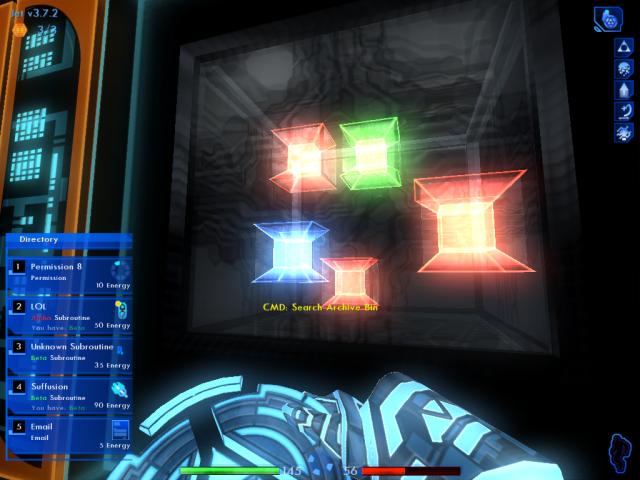
Download the permission and e-mail. This permission allows you to reset the exit port for this level, so it will lead you to the power routers you need to visit. Obtaining the permission earns you another five build points.
Ignore the unknown subroutine, you don't need it. Perform another quick save here.
3.7.7
|
|
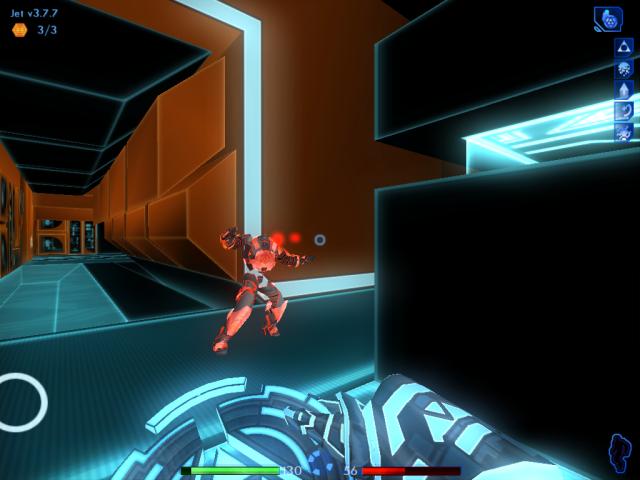
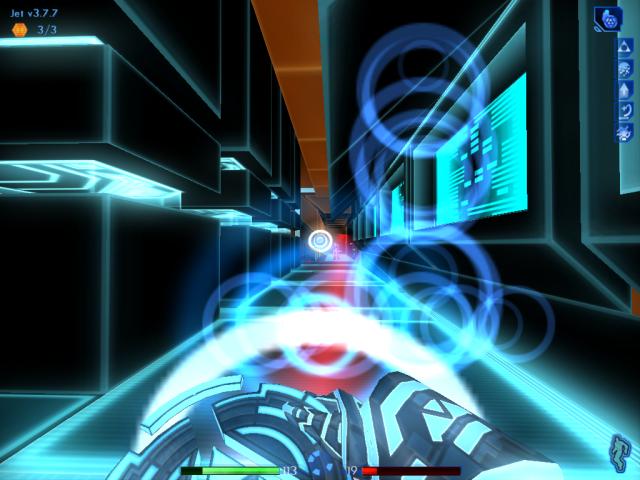
Turn around, and head straight down the passage, making your way back to the port. As soon as you walk past the opening where the I/O node and "glass" control panel is, two more ICPs will spawn in and attack. One of them will appear behind you, inside that opening.
|
|
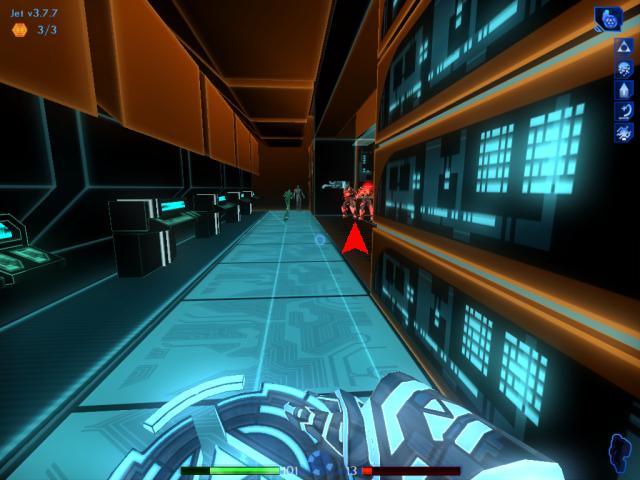
Once you've de-rezzed the one behind you, turn your attention back to the other one ahead and take him out.
|
|
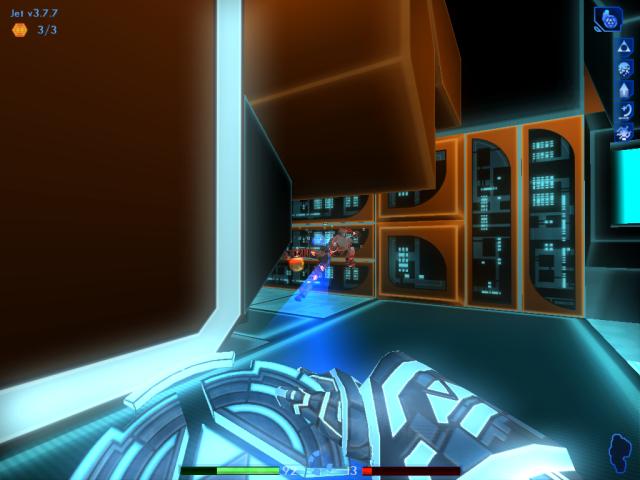
Pick up the core dumps, then continue your trip down the passage. Toward the end, you'll reach an area with two civilian programs. This is where yet another two ICPs will attack. But don't take them on here. The risk of hitting the civilian programs is too great, and you could end the game easily.
|
|
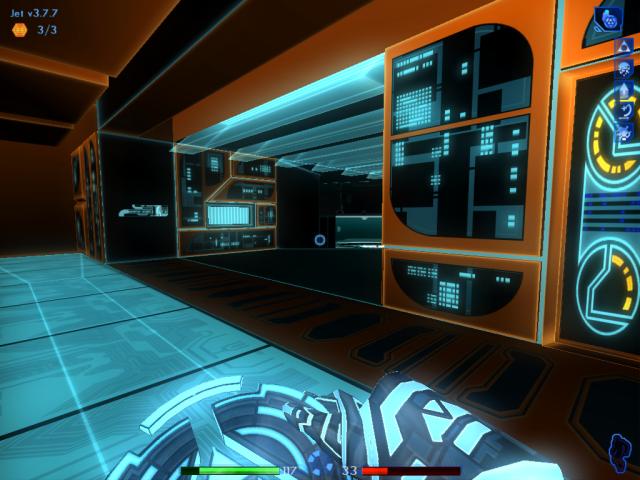
Back up, heading into the passage on the left where Ma3a was earlier. Wait for the ICPs to come to you, and then smash them with your disc.
|
|
Having defeated the last ICPs, resume your journey back to the port.
|
|
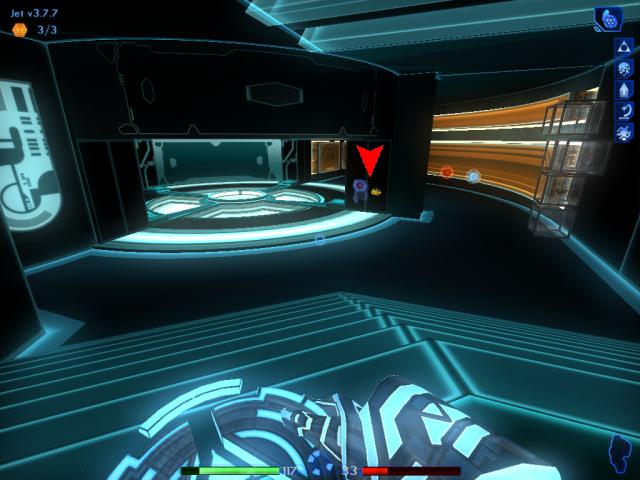
Descend the stairs, and move to the area where Ma3a and the bit socket is.
|
|
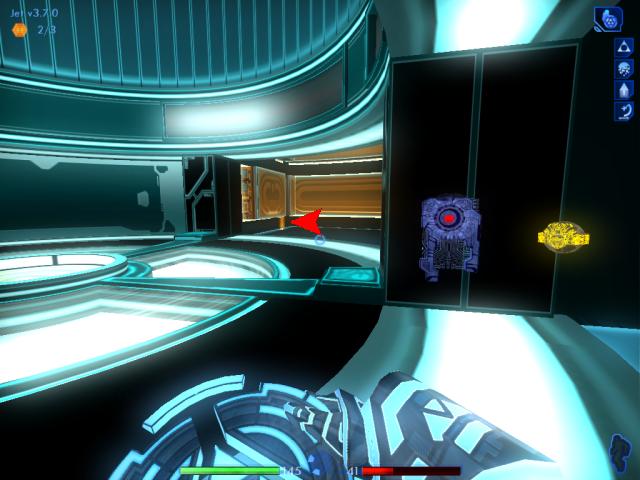
When you get there, check ahead to see if you notice a build note, cleverly hidden on the left.
|
|
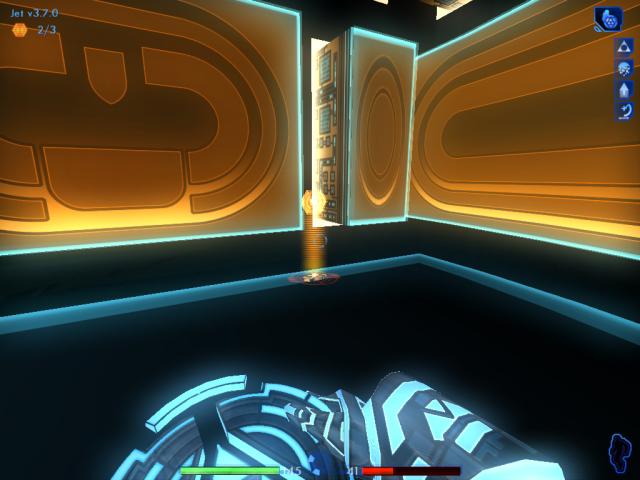
Take the note if it's there.
|
|
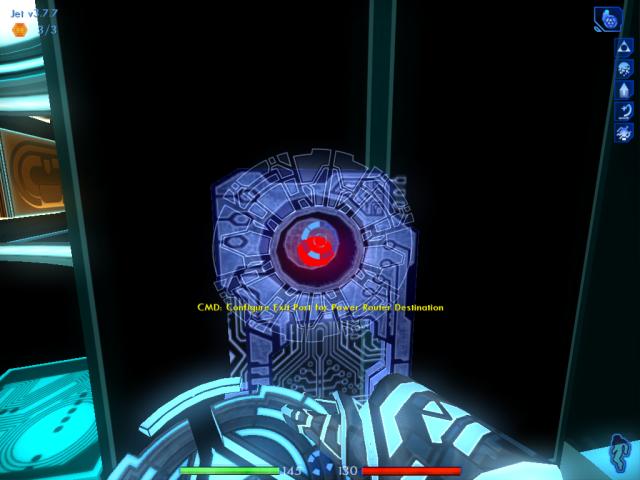
Now move to the bit socket, and activate it.
|
|
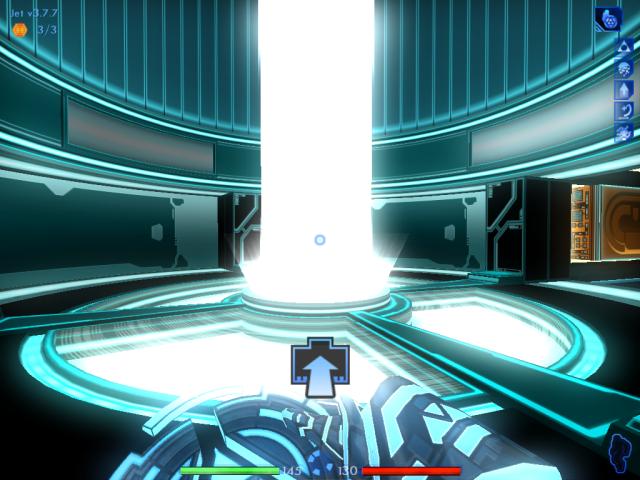
Step into the energy beam, to end the level.
|
Final build version for this level: 3.7.7